Persons
Automatically detects all person.* entities from the HA entity registry. At default all person entities are shown.
Info
First person which was created will be shown first.
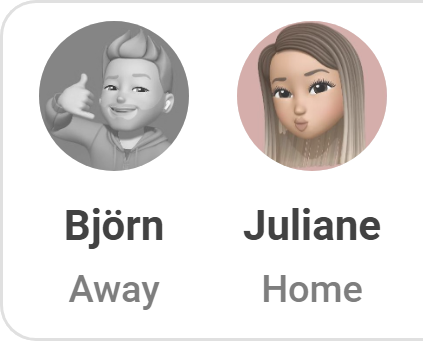
- Detection: Automatically detects all person entities
- Display: Entity picture (photo) or fallback icon
- Home/Away: Status determines icon, color and grayscale filter
- Person Popup: Opensd the deafult more info dialog of each person entity
Editor Settings
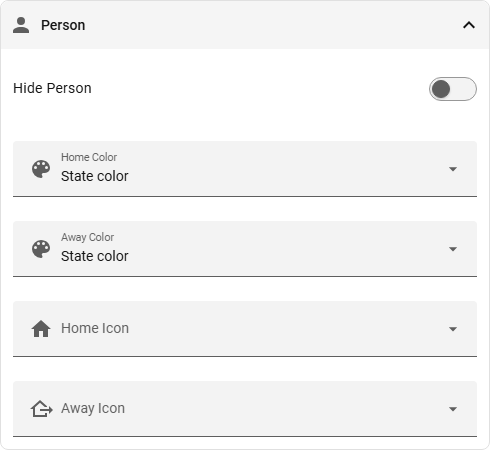
| Option | Description |
|---|---|
| Hide Person | Hides all person entities |
| Person Home Color | Color for home status (default: green) |
| Person Away Color | Color for away status (default: red) |
| Person Home Icon | Icon for home status (default: mdi:home) |
| Person Away Icon | Icon for away status (default: mdi:home-export-outline) |
Small Hacks
-
If you don't want to see every person entity, you can hide them individually via the HA entity settings or the 'Hide Entity' tab on the status card.
-
Make sure that all the person entities you want to see are created as people, not users.
-
To show person entities only if they are in a certain state, hide the default persons and add them via an extra entity. Make sure you add some customisation, as shown in the YAML below.