Content
The 'Edit Content' Tab will let you choose which content you want to see. You can add/hide and reorder all items (domains, device_classes, extra entities and smart groups) here. Also customizations can be done in this tab for each of these items.
- Smart Items: Only in your setup available items will be shown. You can remove them or re-order via drag and drop.
- Customization: Choose the item you want to customize. Only visible items can be customized.
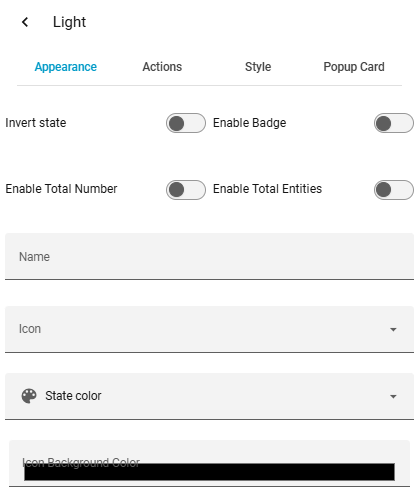
Editor Settings
| Option | Description |
|---|---|
| Content | The items listed here will be shown in the card in the order from the list |
| Customization | Many customization options here - look into the docs to find out more |